Studio Desk
Every AI film you are making. One beautiful desk.
Studio Desk is the really easy way to edit a lot of AI films at once. Your whole film, laid out where you can see it. Drag things around. Done.
Open Studio Desk See the featuresFree. Runs in your browser. Nothing to install, nothing to learn.
The Desk Itself
Your whole film, on one huge canvas.
No timelines to wrestle. No folders to dig through. Just scenes and shots on a big dotted canvas you can pan, zoom, and rearrange with your hands.
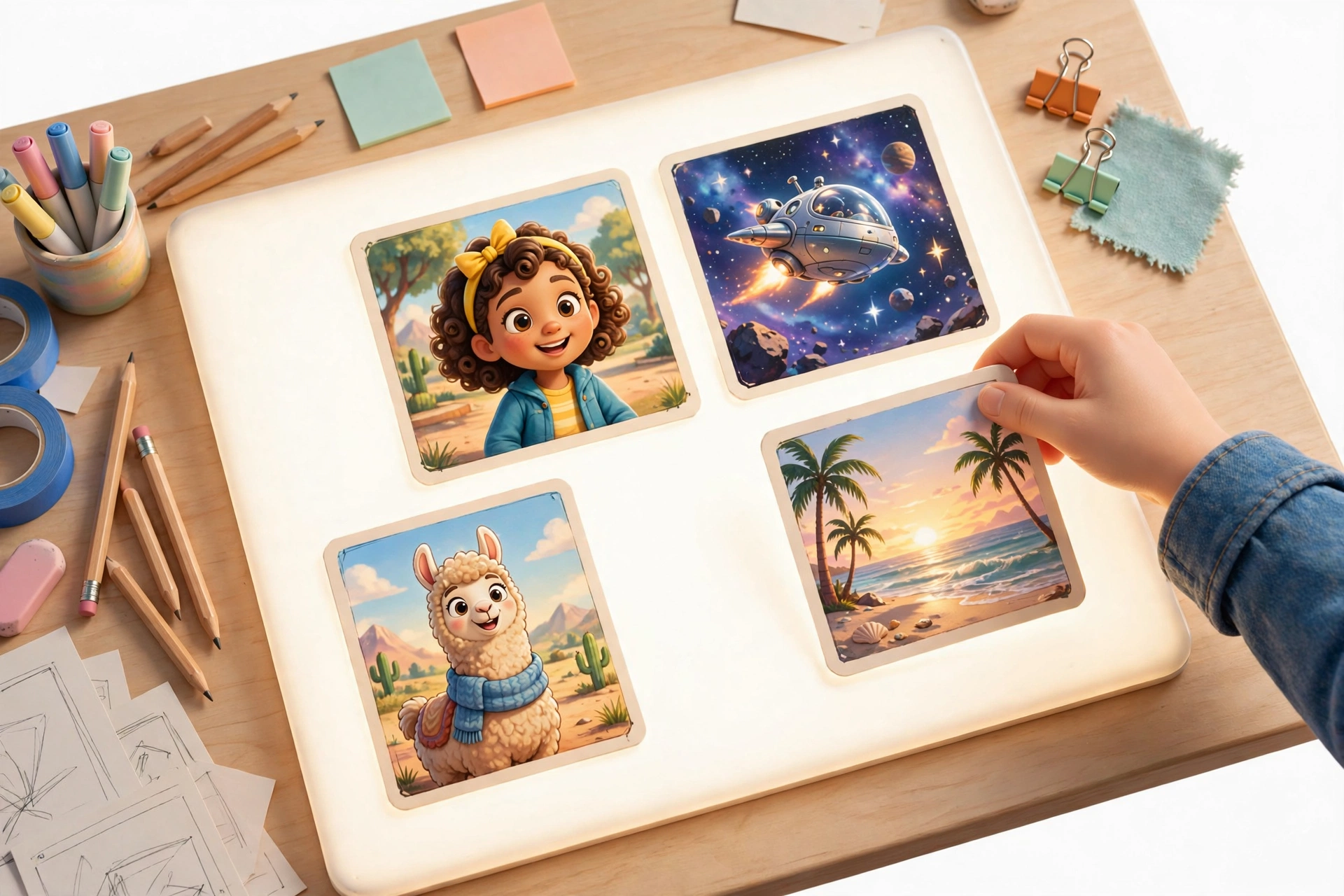
The desk at dawn. Every card out, coffee on, story in front of us.
Drop a scene right here and it lands in place. The blue line shows you exactly where.
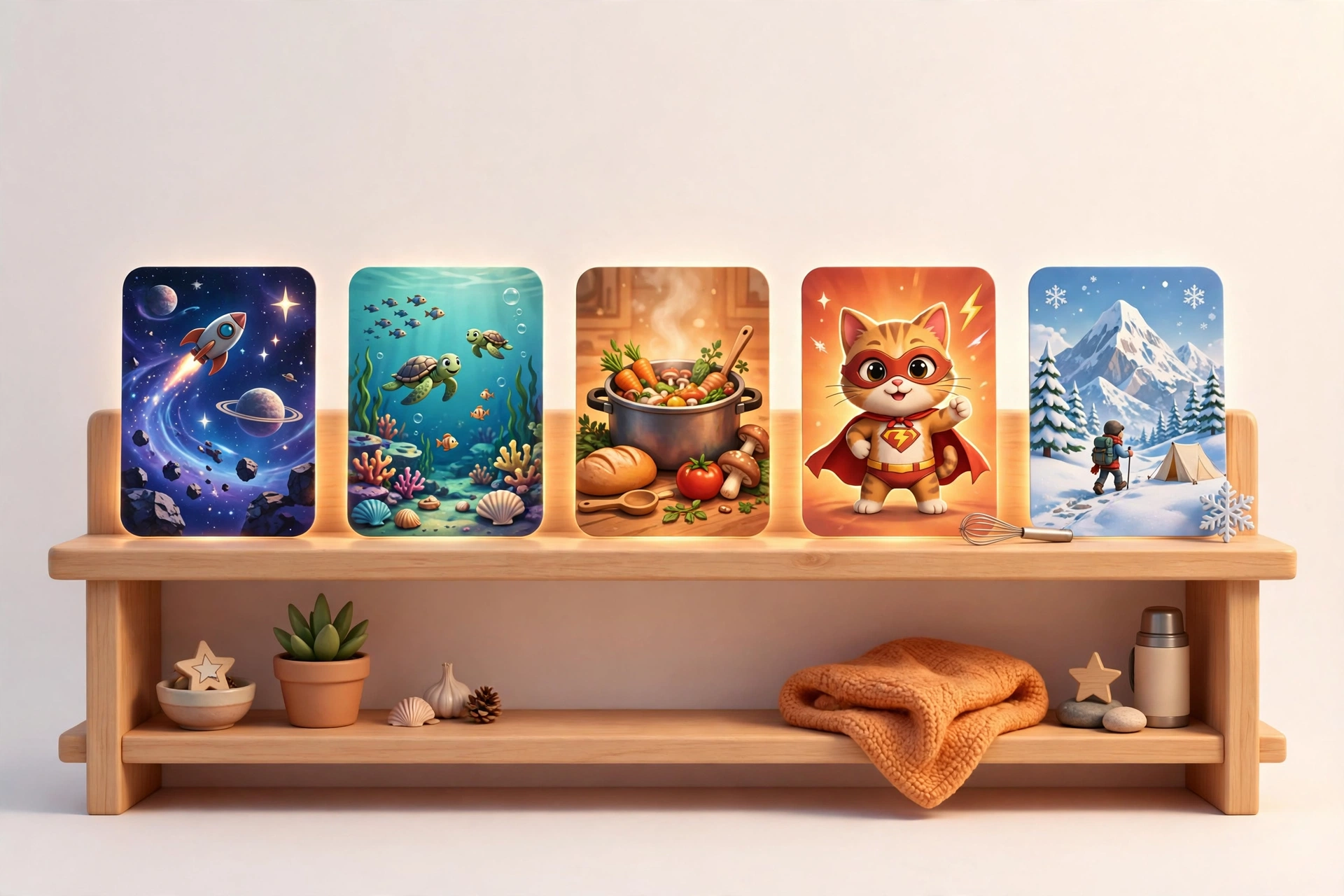
Five films in the works, all one tap away. Nothing gets lost ever again.
Drag and Drop Live now
Drag an image in. It becomes a shot.
This is the whole trick, and it feels like magic. Drag any image file, or an image from the web, straight onto a scene and Studio Desk makes a brand new shot out of it, picture already in place. No upload dialogs, no import wizards, no hunting through folders.
Rearranging is just as simple. Grab a scene and a clean blue line appears where it will land, left or right, your call. Drop it and the film reorders itself. A full restructure that used to take an evening now takes a minute.
One-Tap Touch-Up Coming soon
Click one button. The picture gets better.
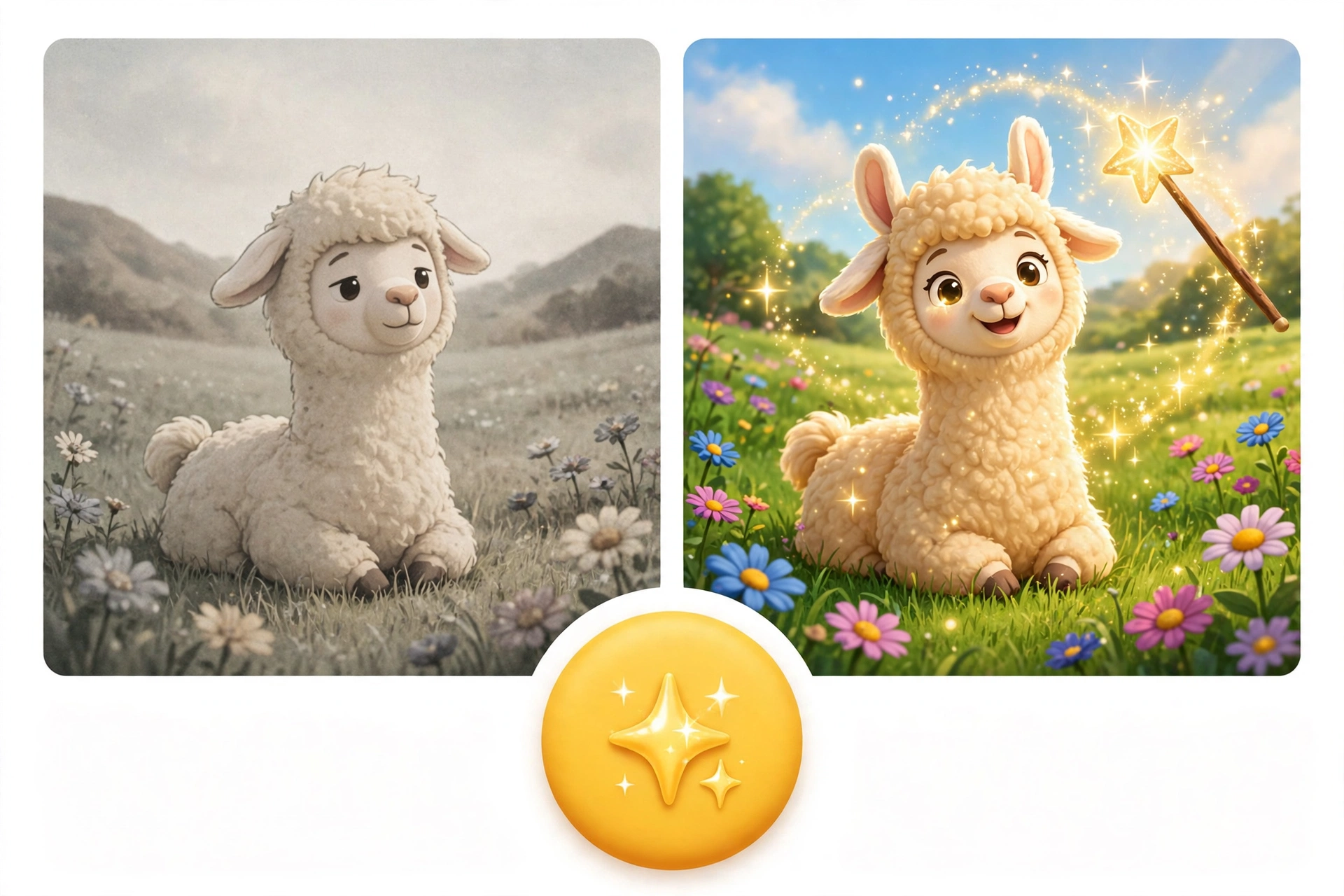
Every AI image has that one almost-right shot: a little dull, a little grainy, colors not quite singing. The Touch-Up button fixes it in place. One click on any shot and it comes back sharper, warmer, and brighter, right there in the scene, no exporting, no other app, no starting over.
Do not like it? The original is one click away too. Touch up a whole scene while your coffee is still hot.
Auto-Generate Text Coming soon
The words write their first draft themselves.
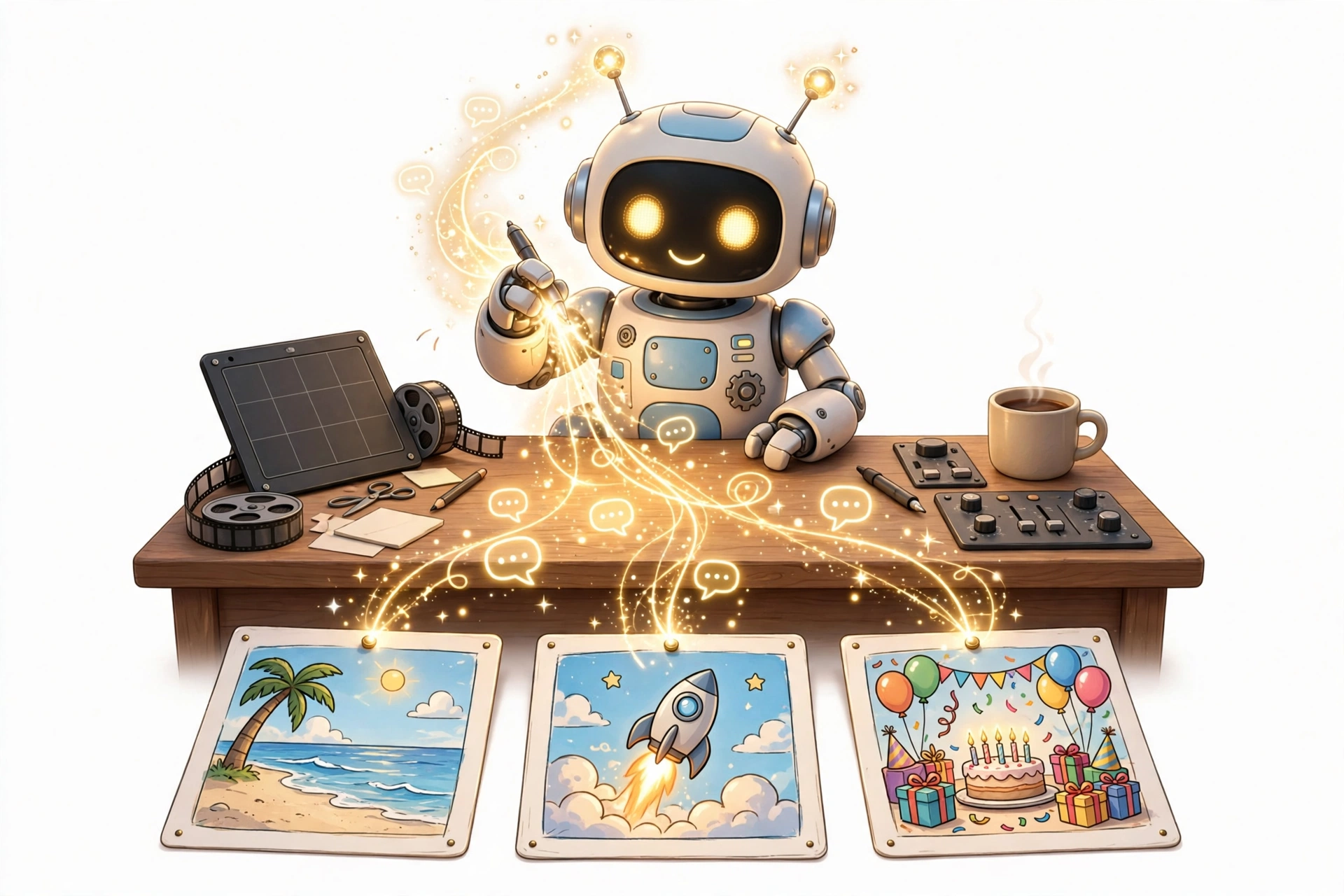
Staring at an empty scene note is nobody's favorite part. Soon, Studio Desk will look at your shots and draft the words for you: scene titles, shot notes, dialogue ideas, and captions, in the voice of the film you are making.
You stay the author. The desk just makes sure you never start from a blank page again. Edit the draft, keep the good lines, and move on to the next scene.
Many Films, One Desk Live now
Made for people making lots of films.
One film is a project. Five films is a pile, unless they all live on one desk. Studio Desk keeps every film as its own chip at the top of the desk, with its scene count right on it. Start a new film in one tap, rename it, duplicate it to try a different cut, and switch between films without losing your place in any of them.
This is how a tiny studio ships like a big one: everything in view, everything in reach.
And Everything Else
Small features. Zero learning curve.
🧭
An infinite-feeling canvas
A 6,000 pixel wide desk with smooth pan and zoom, from 10% for the whole film at a glance to 150% for fine detail. Fit All brings everything home in one tap.
👀
Zoom out, scenes simplify
Below 60% zoom, scenes go compact. Below 34%, they turn into clean summary cards with titles and counts, so a 15 scene film stays readable on one screen.
✅
Every shot, marked
Scenes and shots each get a done mark, and the desk always shows the count: how many scenes, how many shots, how many finished. You always know where the film stands.
👥
A two-player desk
Built for a pair: one person edits, the other follows along live as films switch and scenes move. Viewers can browse every film on their own without disturbing the edit.
💾
It just saves
Every move, note, and new shot saves itself as you work, and your zoom and place on the canvas are remembered on your device. Close the tab, come back tomorrow, everything is where you left it.
🎯
Focus mode
One tap hides everything except the board, for when it is time to stop organizing and start finishing. Double-click empty canvas to add a scene, right where you are thinking.
How Studio Desk works
01
Drop your pictures in
Drag images straight onto the desk. Each one becomes a shot inside a scene, in the order you drop them.
02
Arrange the story
Drag scenes by the blue drop line until the film flows. Zoom out to see the whole story, zoom in to polish a moment.
03
Mark it done, ship it
Check off shots and scenes as they finish, watch the done count climb, and take the film out into the world.
Your next film is already on the desk.
Studio Desk is the desk behind The Studio's own AI films. Open it, drop in your first picture, and you are editing.
Open Studio DeskFree, in your browser, from The Studio.